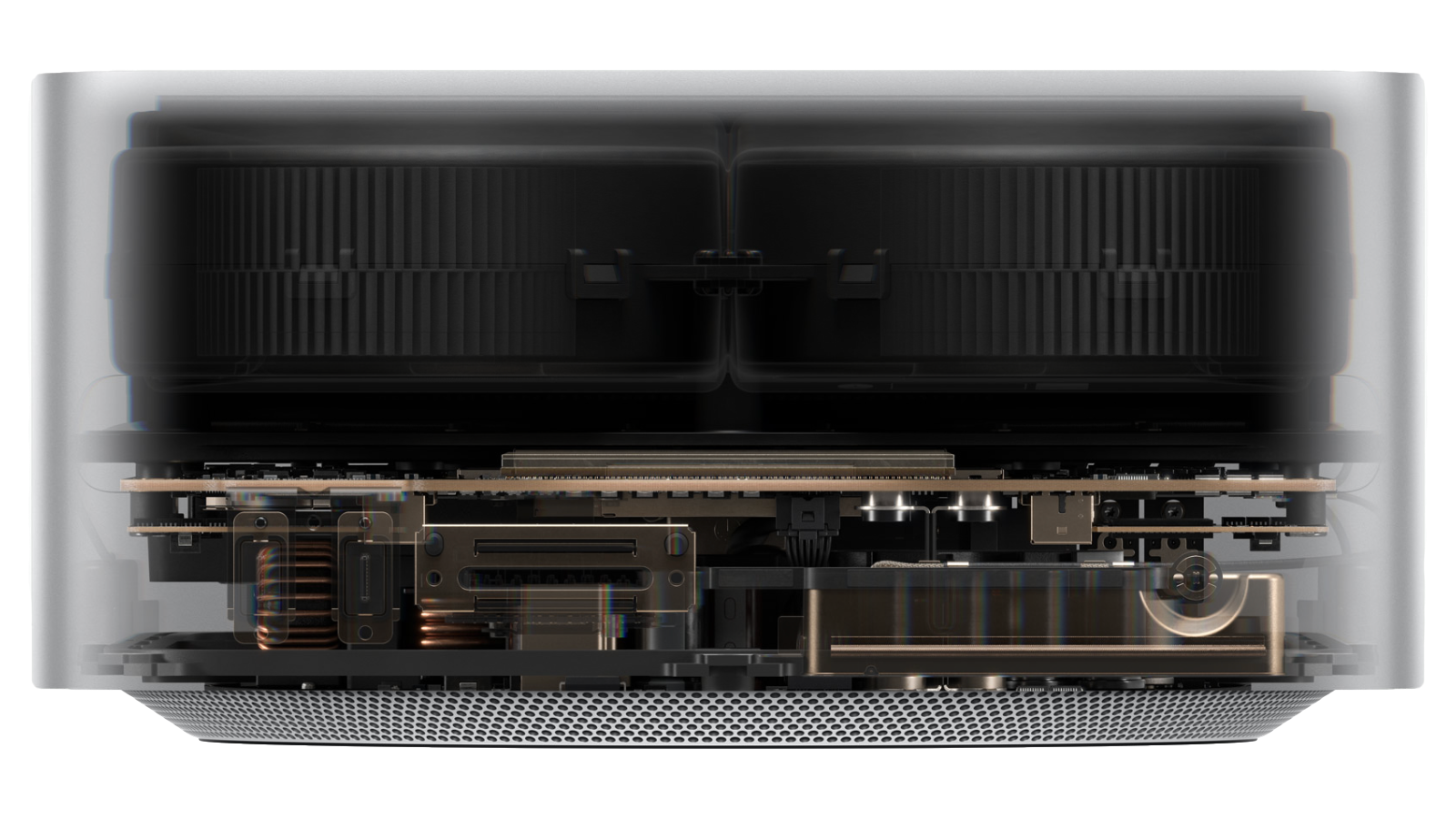
Mac Studio M3 Ultra is my updated desktop. Do I need it? No, of course not. I already had peace with the M2 Ultra. This upgrade wasn’t about chasing more speed. I wanted speed to stay predictable, and surprises to stay unemployed.
The whole appeal is boring reliability. It sits there, looks clean, takes the abuse, and never asks to become part of the conversation.
I upgraded for two reasons. My Drobo 5D3 finally died, and I took that as the sign to stop building a workflow on spinning disks and hope. Move everything local, cut failure points, and make the desk quieter in every sense.
The design is the first win. It’s compact, understated, and doesn’t scream “workstation.” No tower, no RGB, no fan choir. It reads like a serious object on a desk, not a hobby project. It also stays physically organized. Cables route clean, the footprint stays small, and the setup looks intentional instead of “I’ll fix it later.” Paired with a proper display and a desk built for restraint, it fits the whole calm-workstation thing instead of fighting it.
The 16TB SSD is the real plot. It lets me move my PMS, Plex Media Server, not what you were thinking, locally. Yes, the acronym is cursed. No, I’m not renaming it. The upside is worth the awkward sentence. Fewer external drives stacked like a Jenga tower, fewer cables auditioning for the floor, and less time playing which box is making that noise. Libraries load fast. Transfers stop being a ritual. Indexing and searches feel instant. Scans stop taking a coffee break. Most importantly, the desk stops relying on a pile of enclosures and power bricks with their own opinions.
Then there’s 256GB of RAM. Why? Why not. Because photos turn into libraries, edits turn into stacks, and I like keeping everything open without the beach ball auditioning for a starring role. And when local LLMs stop being a hobby project and start being normal, I want the headroom already there, quietly waiting. It’s not about bragging rights. It’s about never needing to negotiate with the machine. No closing apps to “free things up.” No mental bookkeeping. The computer stays in the background where it belongs.
Small box, absurd headroom. Open everything at once and it shrugs. Long sessions stay smooth. Fans stay quiet like they signed an NDA. This is where Mac Studio earns its reputation. Sustained performance. No thermal tantrums. No slow decline after the first hour. It stays consistent, which is the only kind of fast that matters.
Thunderbolt 5 keeps the desk civilized. Drives, docks, and displays plug in, behave, and stop turning the setup into a negotiation. Bandwidth stops being the bottleneck. Expansion stops being stressful. If you want a one-cable fantasy, you still end up with a dock, but at least the dock isn’t the weak link.
The hidden win is how little I think about it. No fan ramping mid-export. No random slowdowns. No sleep-wake weirdness. No “close some apps” negotiations. Internal storage means fewer failure points, fewer flaky enclosures, and fewer moments where the desk turns into cable archaeology. It’s expensive, but what I bought was not a computer. I bought time back. And silence.
Overkill? Absolutely. Also the best kind. The machine disappears, and the work gets louder.
Setbacks, because honesty. It’s expensive, especially once you spec storage and memory the way you want. The 16TB upgrade is a flex and a tax at the same time. You also commit up front. This is not a “I’ll add more later” situation. The spec is the spec. And it’s a desktop. If you want this level of calm on the road, that’s a different product.
If your goal is a workstation that stays quiet, stays fast, and never demands attention, this is the shortest path.
The Apple legacy behind the machine, the turn.